


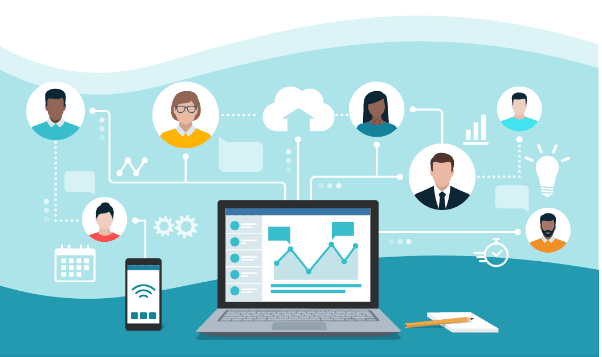
Balancing Employee Accountability and Business Goals with Employee Monitoring Software and Workforce Management Software
Most business owners want two things from their team. They want the work to move the business forward, and they want everyone to own their part of it.
The tricky bit is getting both without tipping into micromanagement. Push too hard on accountability and people feel watched. Focus only on big goals and nobody’s sure who’s responsible for what.
The good news is that the right tools, used openly, make that balance much easier to find. One way to see how is to look at the three conversations every team has, again and again.
Conversation One: “Here’s Where We’re Heading”
Accountability starts with clarity. People can only own their work when they know what the business is aiming for and how their role fits in.
Say an Adelaide accounting practice wants to finish tax season with every return lodged on time and fewer late nights than last year. That’s the business goal. The next step is turning it into something each person can act on.
Good workforce management software helps here. Rosters, leave, and workloads sit in one place, so the practice can plan who’s working when, spot busy weeks early, and spread client files fairly across the team.
When everyone can see the plan, the goal stops being a line in a meeting and becomes part of the week.
Conversation Two: “How’s It Tracking?”
Once the work is underway, everyone wants to know how things are going. Managers want to see progress. Staff want to know they’re on the right track.
Employee monitoring software answers that with real information instead of guesswork. Depending on the tool, it can show time spent on projects, which apps are used during work hours, and how work is moving against the plan.
Used well, it’s a support tool. If one person’s files are taking twice as long, that might point to a training gap, a difficult client, or simply too much on their plate. The data starts a helpful conversation rather than a tense one.
It looks after people, too. When someone keeps working well past their hours, the record shows it early. Since August 2024 for larger businesses, and August 2025 for small businesses, Australian employees have had a right to disconnect. Spotting long hours early lets you adjust the workload before anyone burns out.
Conversation Three: “What Did We Learn?”
At the end of a month or a season, it’s time to look back.
This is the conversation where both tools pay off together. The plan in your workforce management software shows what you expected. The monitoring records show what actually happened. Putting the two side by side reveals where estimates were off, which tasks need more time, and where the team has room to grow.
Reviews feel fairer as well. Instead of relying on memory, managers and staff can look at the same clear record and agree on next steps together.
Keeping It Fair and Open
The difference between helpful and heavy handed comes down to how you introduce the tools.
Start by explaining what you’ll track, why, and how it helps the team. Fairer workloads, accurate pay, and easier leave requests are benefits people feel straight away. Let staff see their own data and keep the focus on team patterns rather than individual minutes.
The legal side matters too. Workplace surveillance laws vary by state. New South Wales and the ACT have dedicated laws, and in NSW you generally need to give staff at least 14 days’ written notice before computer surveillance starts. Many businesses with an annual turnover over $3 million must also follow the Australian Privacy Principles when handling personal information.
Good employee monitoring software makes this easier, with settings that let you capture only during work hours and limit what’s collected.
The Record Keeping Bonus
There’s a practical benefit as well. Under the Fair Work Act, employers generally need to keep time and wage records for seven years. When workforce management software records hours as people work, payroll runs more smoothly and records are easy to find when you need them.
Where Nixo Fits In
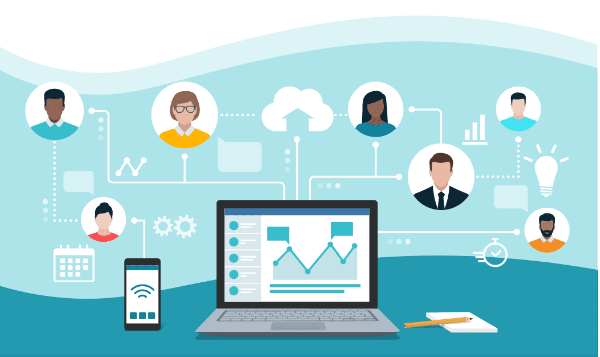
Platforms like Nixo bring these tools together in one place. Managers get a clear view of plans and progress, and staff can see their own hours and work. That shared picture makes accountability feel like teamwork rather than oversight.
Getting Started
Pick one business goal for the next quarter, such as better project estimates or more even workloads.
Set up the features that support it, talk it through with your team, and agree on what success looks like. Bringing in employee monitoring software with that goal already clear helps everyone sees the purpose from day one.
Then review after a month, ask for feedback, and adjust.
Frequently Asked Questions
Is employee monitoring legal in Australia? Generally, yes, with conditions. Rules vary by state, and NSW and the ACT require notice before computer surveillance.
What’s the difference between monitoring and workforce management? Workforce management covers planning, like rosters and leave. Monitoring shows how work time is actually spent.
Can small businesses benefit? Yes. Even small teams save time on rosters and timesheets and gain a clearer view of workloads.